How to Host a Website for Free with a Custom Domain and SSL
Host a static website for free with Cloudflare Pages or Netlify. Connect your custom domain, enable automatic HTTPS, and compare free hosting limits.
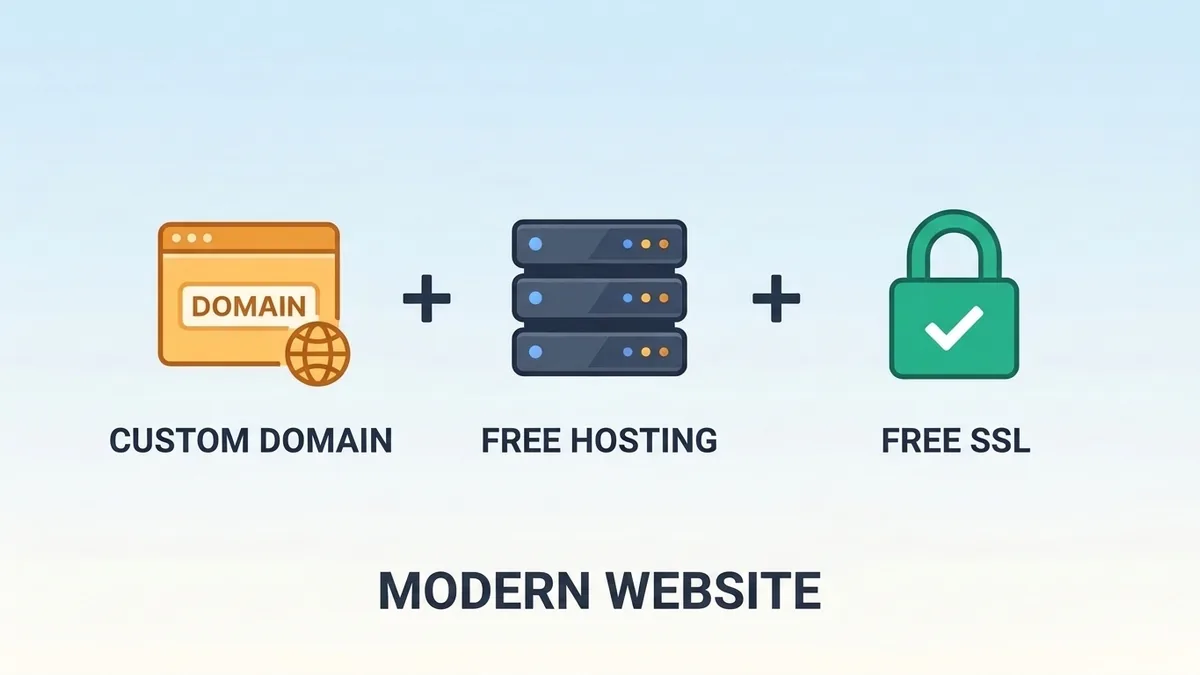
You can host a static website for $0/month with automatic HTTPS/SSL on Cloudflare Pages or Netlify and connect a custom domain you already own. Free plans carry usage limits and no paid SLAs, and registering a new .com or .dev domain still costs a registrar fee unless you use a free *.pages.dev subdomain.
Free static hosting plans can serve real public websites without monthly server bills—as long as you separate hosting costs from domain registration and respect each provider's commercial-use and bandwidth terms.
Unmetered
Cloudflare Pages Static Assets
500 builds/mo, 20k files/site, 100 domains/project
Auto TLS
Free Edge HTTPS Certificates
Provisioned automatically after DNS verification
$0 Host
Domain Registration Is Separate
Free *.pages.dev subdomain or registrar domain fee
How Static Edge Hosting Works (And What "Free Custom Domain" Means)
Before deploying, separate hosting + SSL from domain registration:
- Hosting & SSL (
$0/month): Cloudflare Pages, Netlify, Vercel, and GitHub Pages build your Git repository and serve static HTML/CSS/JS over HTTPS at no monthly fee. These free tiers are suitable for many real production static websites, provided you understand each provider's usage limits, service terms, and lack of paid-plan uptime guarantees. - The Custom Domain Reality: Connecting a domain you already own costs
$0extra on these platforms, and TLS certificates are provisioned automatically. A conventional domain commonly costs around$10–$15/yearfor some popular TLDs, although registration and renewal prices vary by registrar and introductory promotions. If your budget is strictly$0total, use a free host subdomain (yourproject.pages.devorusername.github.io), or check student domain offers in the GitHub Student Developer Pack (available domain offers depend on current partners, eligibility, and promotional terms).
Free Static Bandwidth & Usage Limits Explained
Metering models vary sharply across providers:
- Cloudflare Pages: Does not meter requests to static assets, making it especially strong for static blogs and content-heavy sites. However, dynamic Pages Functions count against Workers Free quotas (
100,000req/day), and the Free plan enforces500builds/month, up to20,000files per site,25 MiBmax per file, and100custom domains per project. - Netlify Free: Provides
300monthly credits shared across metered services. Bandwidth consumes20credits per GB, production deploys consume15credits each, and web requests consume2credits per10,000requests—so15 GBis only a theoretical bandwidth-only ceiling if zero credits are spent on deploys, requests, or compute.
Free Static Hosting Comparison Matrix
| Provider | Static Bandwidth / Usage | Commercial Use | Important Limitation |
|---|---|---|---|
| Cloudflare Pages | Static asset requests unmetered | Suitable for commercial sites | 500 builds/month (Free plan), 20,000 files/site, 25 MiB/file, 100 custom domains/project; Functions use Workers quotas |
| Vercel Hobby | 100 GB typical monthly guideline | No (personal / non-commercial only) | Strict Hobby plan commercial-use restriction |
| Netlify Free | 300 shared credits/month (15 GB theoretical bandwidth-only ceiling, before deploy & request charges) | Verify applicable terms | 20/GB bandwidth, 15/deploy, 2/10k requests share one pool; hard-pauses when exhausted; no SLA |
| GitHub Pages | 100 GB/month soft limit | Not for online businesses, e-commerce, or commercial SaaS | 1 GB published-site limit (limited donation/crowdfunding links permitted) |
| Render Static Sites | Shared workspace allowance | Check current plan terms | Bandwidth and pipeline usage count against workspace allowance; managed TLS included |
| DigitalOcean App Platform | 1 GiB/app/month (up to 3 free static apps) | Check current plan terms | Additional transfer bills at $0.02/GiB; extra static apps cost $3/month |
Other Notable Alternatives
- Firebase Hosting (Spark Plan): Offers
10 GBof no-cost Hosting storage alongside a separate data-transfer quota (check current Firebase pricing docs for exact transfer allowances). - GitLab Pages: Includes static hosting with Let's Encrypt TLS directly inside GitLab CI—convenient if your repositories already live on GitLab.
What You Cannot Host for Free with Static Hosting
Static hosting serves pre-built files only—it is not a complete backend server runtime. Check whether your project needs server-side infrastructure before deploying:
| Website Requirement | Static Hosting Alone? |
|---|---|
| HTML, CSS, JavaScript website | Yes |
| Static blog (MDX / Markdown) | Yes |
| React + Vite SPA | Yes |
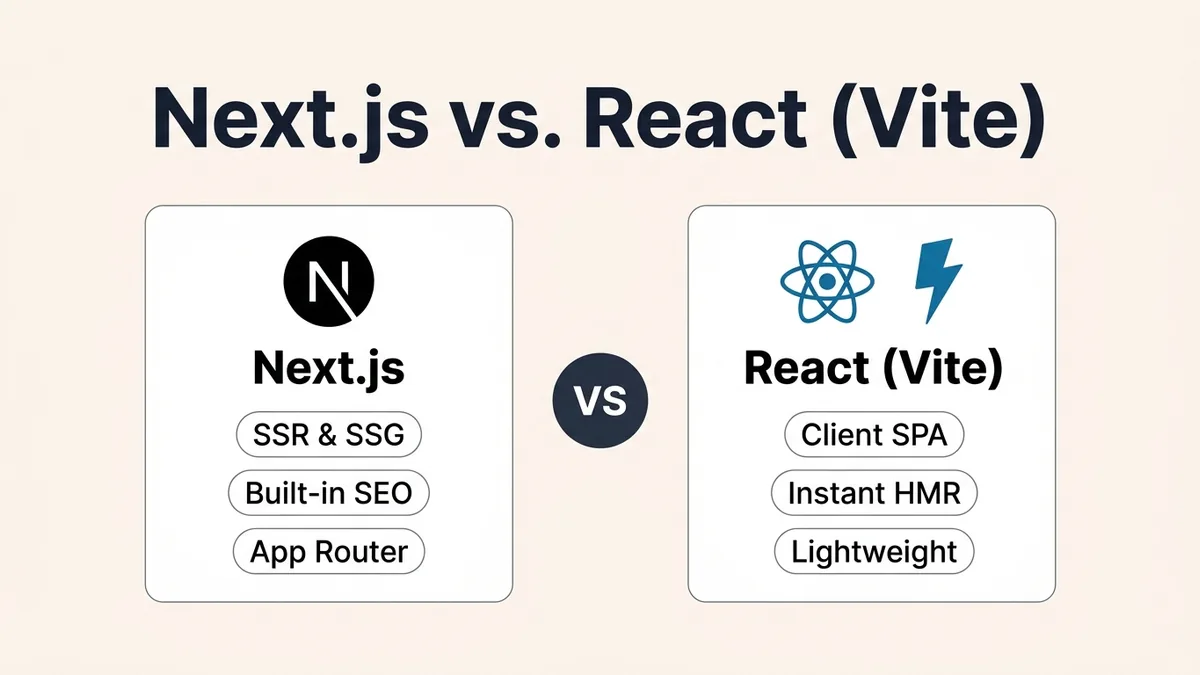
Next.js static export (output: 'export') | Yes |
| User authentication | Requires an external auth service or backend |
| Database-driven content | Requires an external database or backend API |
| Node.js Express server | No |
| Dynamic SSR | Requires a compatible server or edge runtime |
Step-by-Step: Deploy on Cloudflare Pages with Custom Domain & HTTPS
Because Cloudflare Pages does not meter static asset requests and permits commercial sites, it is the strongest default for static blogs, documentation, and portfolios:
- Prepare a static build in GitHub:
- For Next.js, set
output: 'export'innext.config.tssonpm run buildoutputs static files toout/. - For React + Vite or Astro,
npm run buildoutputs todist/automatically.
- For Next.js, set
- Connect your repository: In the Cloudflare Dashboard, open Workers & Pages → Create → Pages → Connect to Git and select your GitHub repository.
- Configure build settings:
- Build command:
npm run build - Build output directory:
out(Next.js) ordist(Vite/Astro)
- Build command:
- Deploy: Click Save and Deploy to publish immediately on
https://<project>.pages.dev. - Add your custom domain through the Pages dashboard:
- Open Custom domains → Set up a custom domain inside your Pages project (manually creating a DNS record alone is not sufficient).
- Apex domains (
example.com): Cloudflare Pages requires the domain to be added as a Cloudflare zone with its nameservers pointed to Cloudflare. - Subdomains (
www.example.com): Can point via aCNAMErecord to your*.pages.devhostname.
HTTPS and SSL Configuration
Cloudflare Pages automatically provisions and renews TLS certificates for supported custom domains after domain verification and DNS configuration—you do not need to buy or manually install an SSL certificate.
- If your domain's DNS is managed by Cloudflare, you can enable SSL/TLS → Edge Certificates → Always Use HTTPS to redirect HTTP visitors to HTTPS.
Full (Strict)applies when configuring encryption between Cloudflare and a separate origin server that presents a valid certificate—it is not a required setup step for a basic Pages static site.- Avoid conflicting redirects between Cloudflare's edge rules and origin/framework rules, which can trigger redirect loops.
SSL vs. TLS vs. HTTPS: What Is the Difference?
Hosting dashboards often use SSL, TLS, and HTTPS interchangeably, though they refer to different layers of web encryption:
- SSL (Secure Sockets Layer): The original 1990s encryption protocol (
SSL 2.0/3.0). All SSL versions are now deprecated, though the term "SSL certificate" stuck in hosting UIs. - TLS (Transport Layer Security): The modern, active successor (
TLS 1.2andTLS 1.3). During the initial connection handshake, TLS verifies the site's cryptographic certificate and establishes an encrypted, tamper-resistant channel. - HTTPS: Standard HTTP web traffic running over an encrypted TLS connection (
https://).
| Term | Role | Active Standard Today? | Where You See It |
|---|---|---|---|
| SSL | Legacy encryption protocol | No (deprecated) | Informal label in DNS/hosting menus |
| TLS | Modern cryptographic handshake & encryption (1.2 / 1.3) | Yes | Edge CDN certificates & security docs |
| HTTPS | HTTP carried inside a TLS tunnel | Yes | Browser address bar (https://) |
Pre-Launch Hosting & Security Checklist
Looking for $0/month databases, analytics, and email routing to pair with your static host? See our curated stack in best free developer tools for solo builders.
Frequently Asked Questions
Can I really get a custom domain and hosting completely free?
Static hosting and automatic TLS/SSL are $0/month on Cloudflare Pages, Netlify, Vercel, and GitHub Pages. A conventional domain commonly costs around $10–$15/year for some popular TLDs—though registration and renewal prices vary by registrar and promotions—unless you use a free host subdomain (*.pages.dev or *.github.io) or qualify for a student offer (subject to partner availability and eligibility).
Which free host allows Google AdSense and commercial websites?
Cloudflare Pages permits commercial and ad-monetized websites on its Free plan without metering static asset requests. Vercel Hobby restricts its free tier to personal, non-commercial use, and GitHub Pages prohibits running online businesses, e-commerce, or commercial SaaS.
Does static edge hosting improve SEO?
Pre-rendered static HTML served from a global edge CDN typically delivers low Time to First Byte (TTFB) worldwide, which can improve initial content visibility and Core Web Vitals when paired with clean HTML and optimized media.
Can I host a Next.js app for free on Cloudflare Pages?
For a fully static Next.js website, use output: 'export' and deploy the generated out/ directory to Cloudflare Pages. If your application requires dynamic server rendering, investigate Cloudflare Workers and its current Next.js deployment guidance instead.
Primary References
- Cloudflare Pages Limits & Pricing — Unmetered static asset requests,
500builds/mo,20,000files,100custom domains - Cloudflare SSL/TLS Encryption Modes — Edge TLS vs. origin
Full (Strict)guidance - Vercel Hobby Plan Limits —
100 GBguideline and non-commercial Hobby terms - Netlify Credit-Based Free Plan Docs —
300shared monthly credits and hard-pause behavior - GitHub Pages Documentation —
100 GBsoft limit,1 GBsite cap, and commercial restrictions - Render Static Sites Documentation — Shared workspace allowance and managed TLS
- DigitalOcean App Platform Pricing —
3free static apps (1 GiB/app/month outbound) - Firebase Hosting Documentation — Spark plan
10 GBstorage and hosting quotas - GitLab Pages Documentation — Static hosting with GitLab CI and Let's Encrypt TLS
Was this guide useful?
Quick feedback helps keep our guides accurate and up to date.